
Noptin uses scheduled tasks for work that should run in the background, including queued emails and automation actions. The Scheduled Tasks screen lets administrators inspect that queue.
Open the Scheduled Tasks tool
- In the left WordPress admin menu, click Noptin, then open Dashboard.
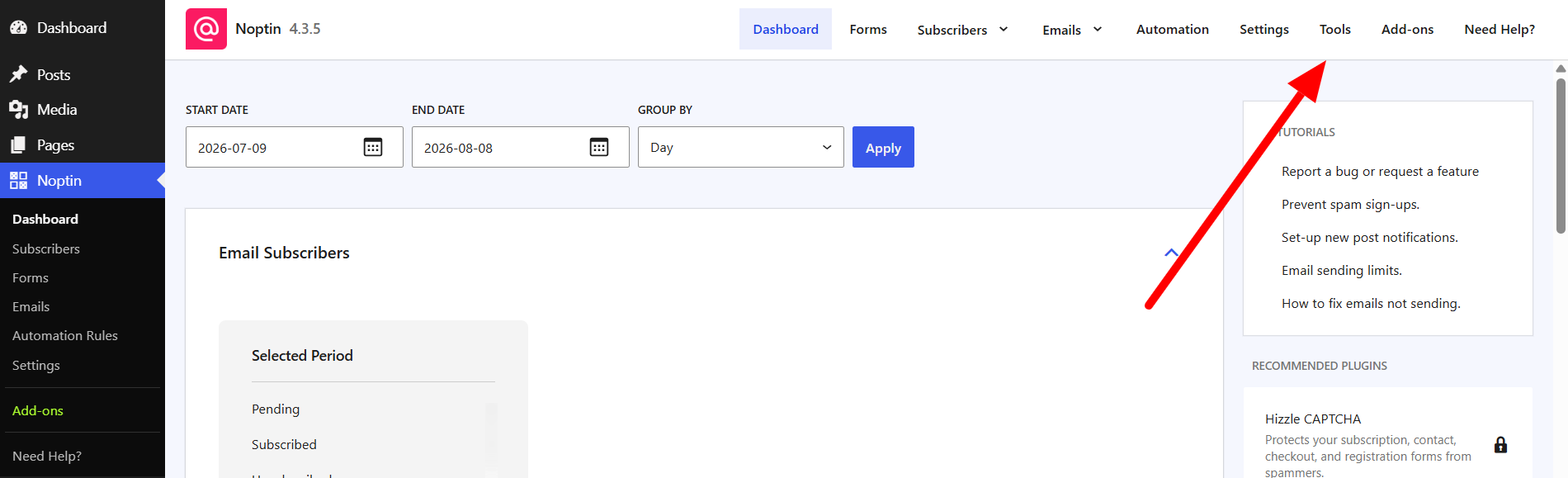
- Click Tools in Noptin’s top navigation.
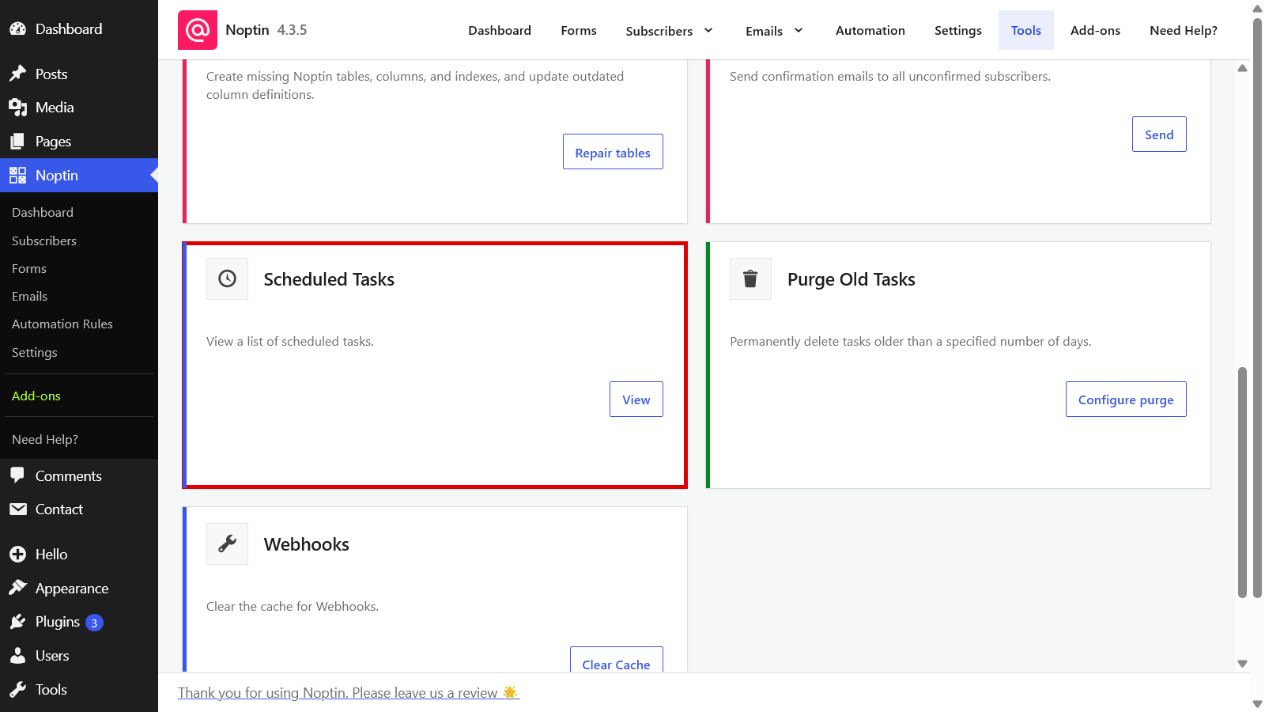
- Find Scheduled Tasks and click View.
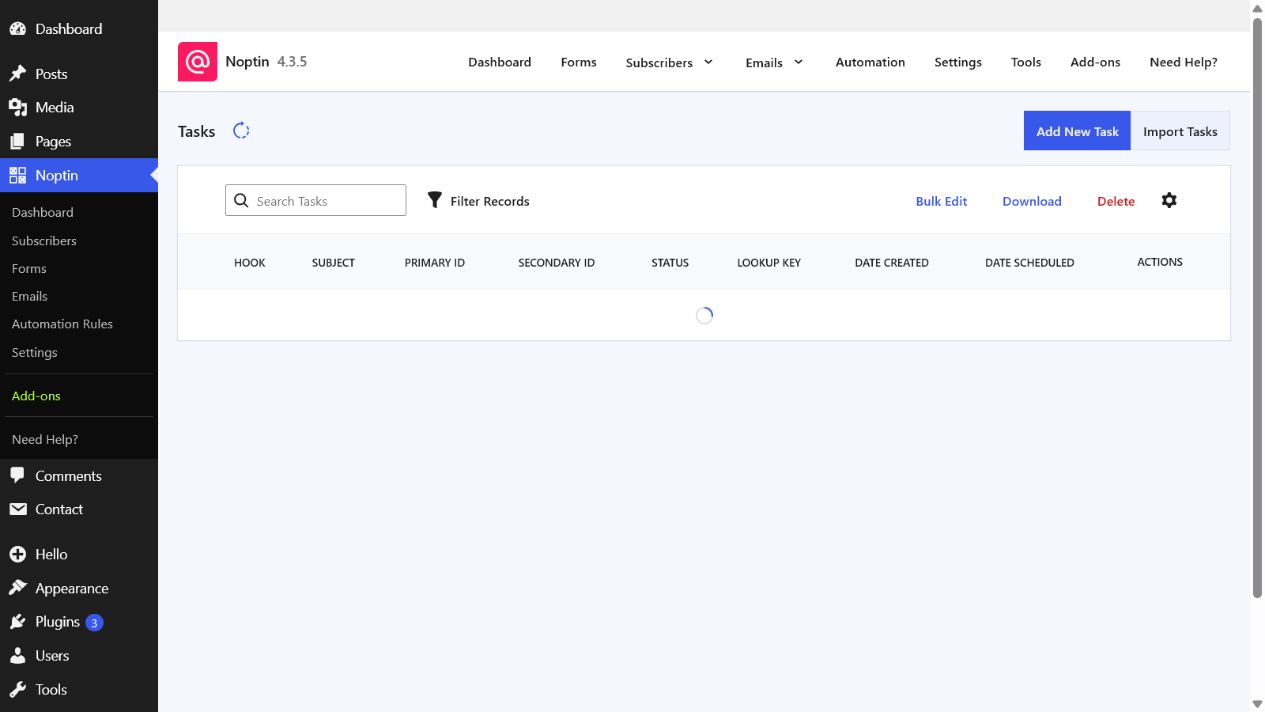
The table shows each task’s hook, subject, identifiers, status, lookup key, creation date, and scheduled date. Use search and filters to narrow the list when investigating a particular email or automation.
Task statuses
- Pending: waiting to run.
- Running: currently being processed.
- Manual: requires manual handling.
- Complete: finished successfully.
- Failed: stopped because of an error.
- Canceled: will not run.
Leave a Reply