
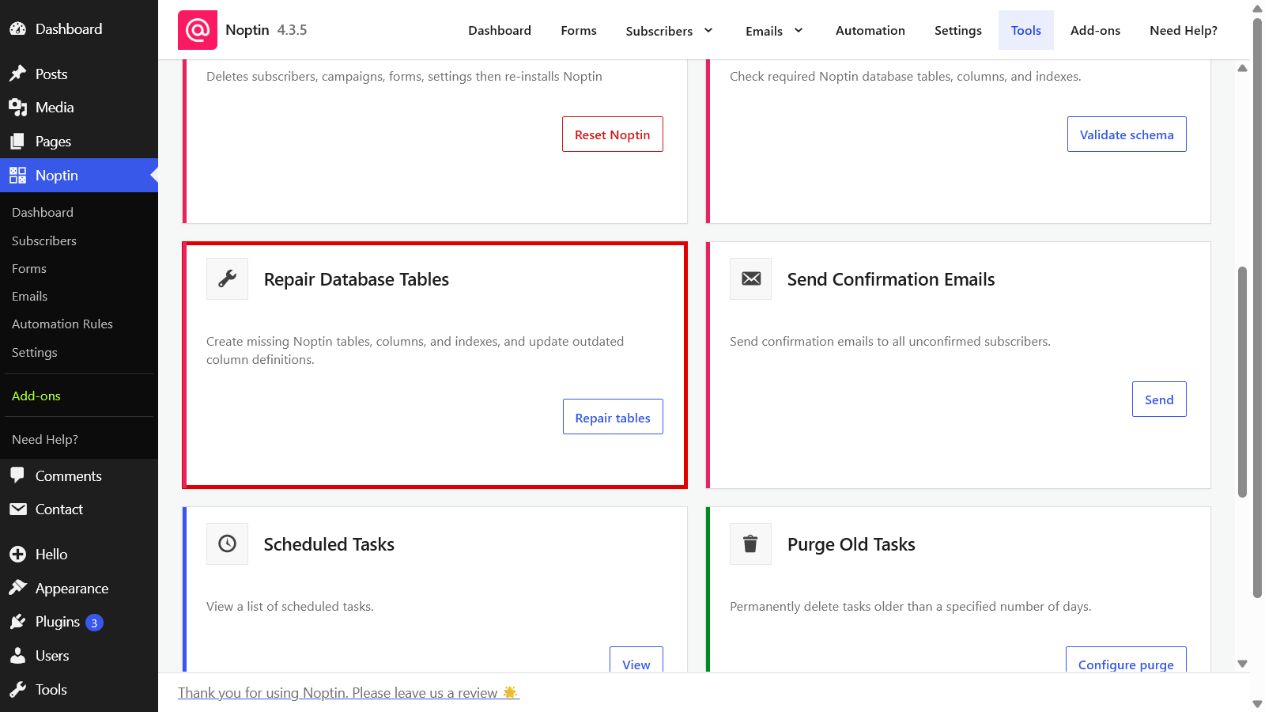
The Repair Database Tables tool brings Noptin’s database structure in line with the schema required by the installed plugin version.
Open the Repair Database Tables tool
- In the left WordPress admin menu, click Noptin, then open Dashboard.
- Click Tools in Noptin’s top navigation.
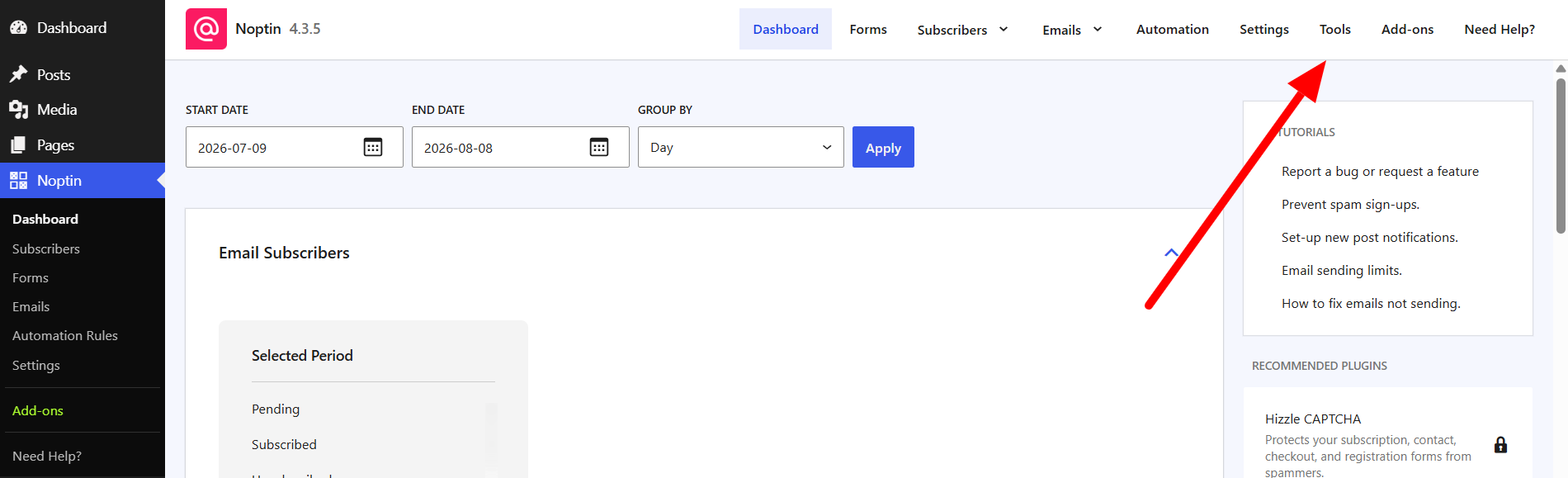
- Find Repair Database Tables and click Repair tables.
Before starting
Create a current database backup before running a schema repair on a production site. The repair is designed to preserve Noptin records, but it changes table structures.
- Confirm that you want to run the repair.
Noptin creates missing tables, columns, and indexes and updates incompatible column definitions. It validates the schema again when finished. If anything remains unresolved, the result identifies the remaining differences.
Leave a Reply