
The Debug Log records notices and errors produced by Noptin. It is a useful first stop when an email, automation rule, or background process does not behave as expected.
Open the Debug Log tool
- In the left WordPress admin menu, click Noptin, then open Dashboard.
- Click Tools in Noptin’s top navigation.
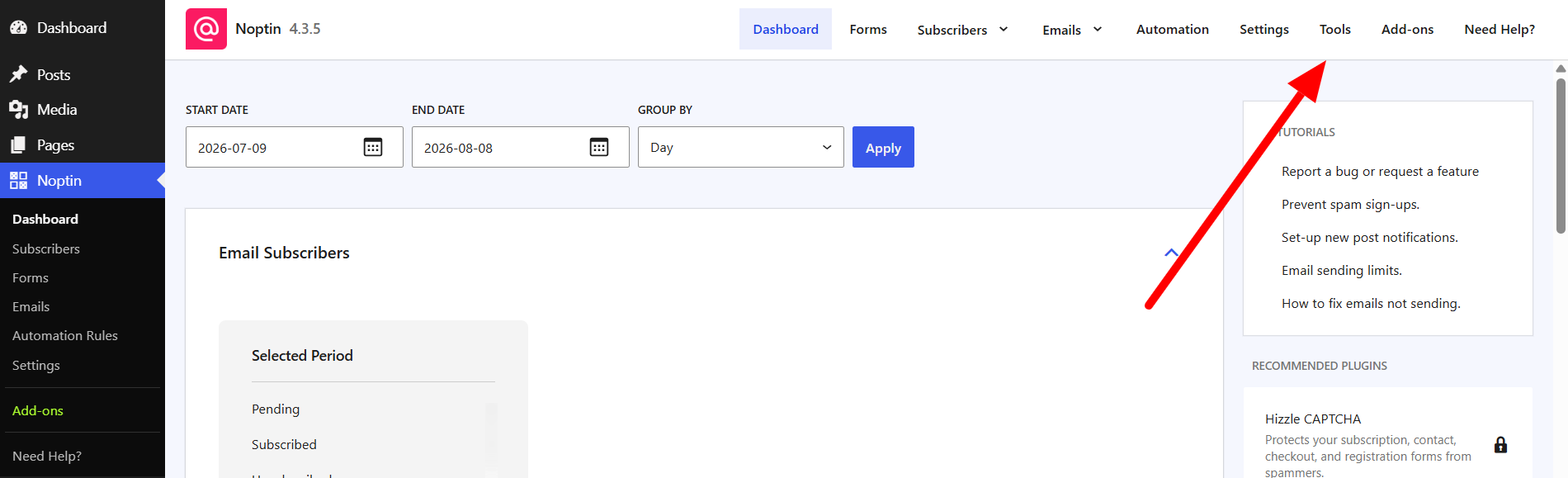
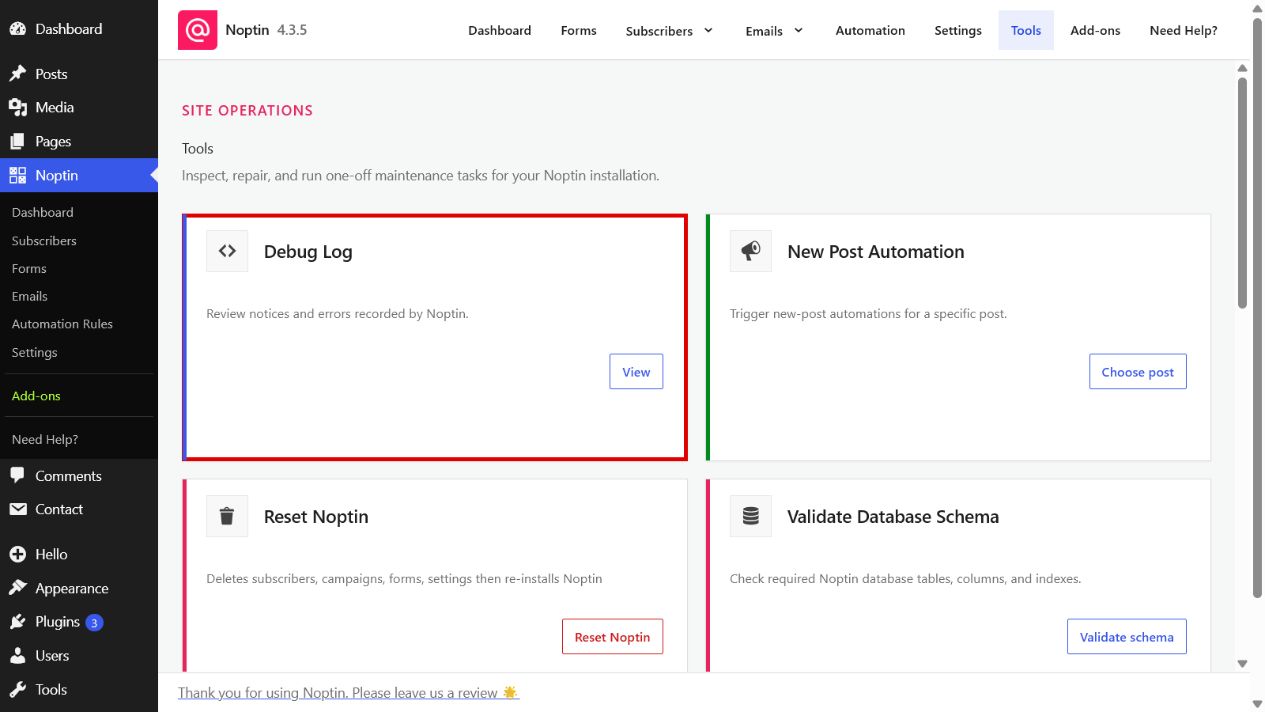
- Find Debug Log and click View.
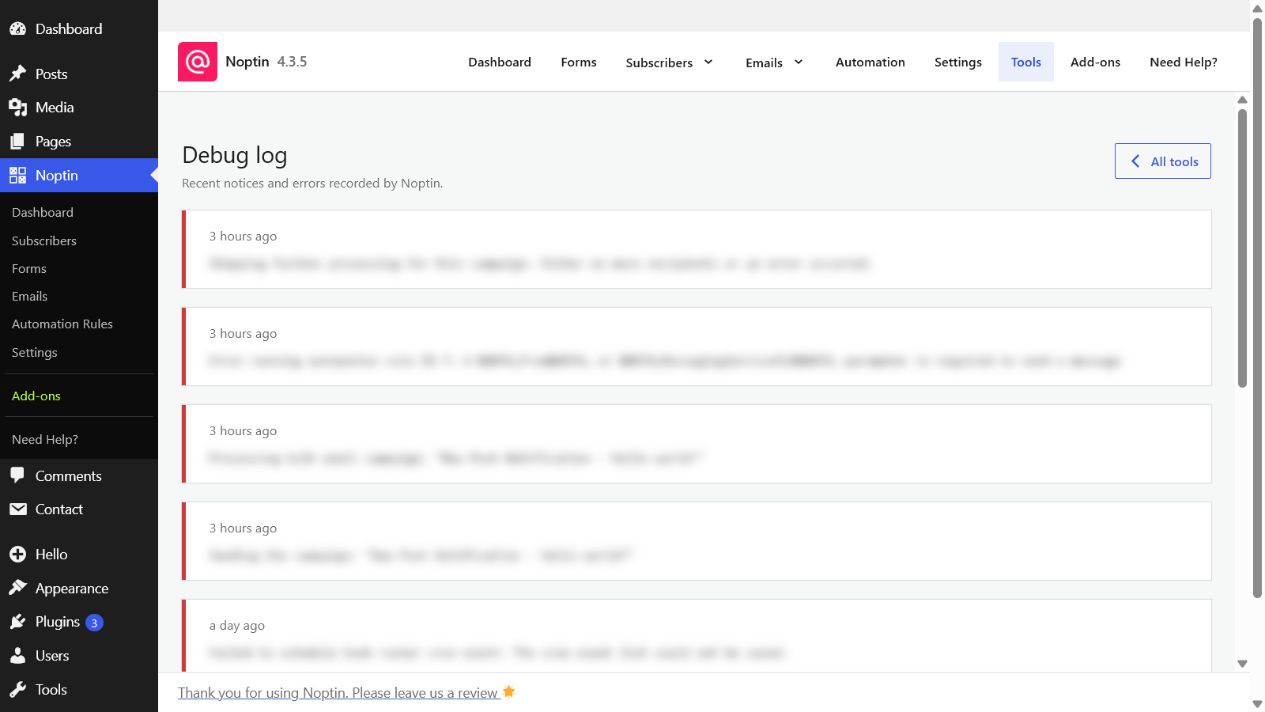
The newest entries appear first. Recent timestamps use relative wording, such as “2 hours ago,†while older entries show the full date and time.
Using the log for troubleshooting
Look for entries recorded around the time the problem occurred. Copy the relevant message when contacting support, but review it first and remove private subscriber or integration details before sharing it publicly.
Leave a Reply