
Noptin allows you to bulk edit your newsletter subscribers. You can edit all your subscribers or filter them by:-
- Their subscription status.
- Whether or not they’ve confirmed their email address.
- Their tags.
- A comma-separated list of email addresses.
- Their sign-up method or source.
- Their subscription dates.
- Any multiple-choice custom fields.
This is useful, for example, if you have imported subscribers and need to tag all of them.
To do this:-
First, open your admin dashboard and then click on Noptin > Email subscribers to open the email subscribers overview page.
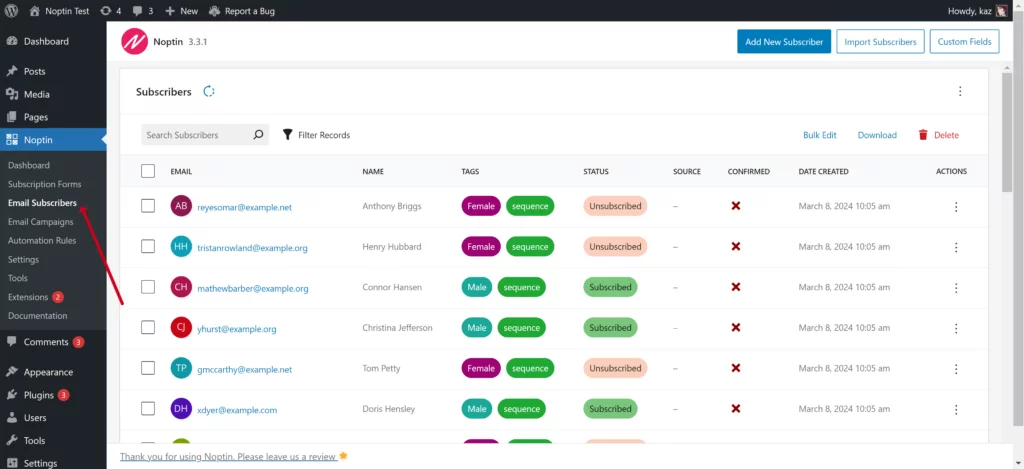
Next, click on the “Filter Records” button and filter the subscribers as needed.
Next, select the list of subscribers you want to edit. Do not select any subscribers in case you need to edit all matching subscribers.
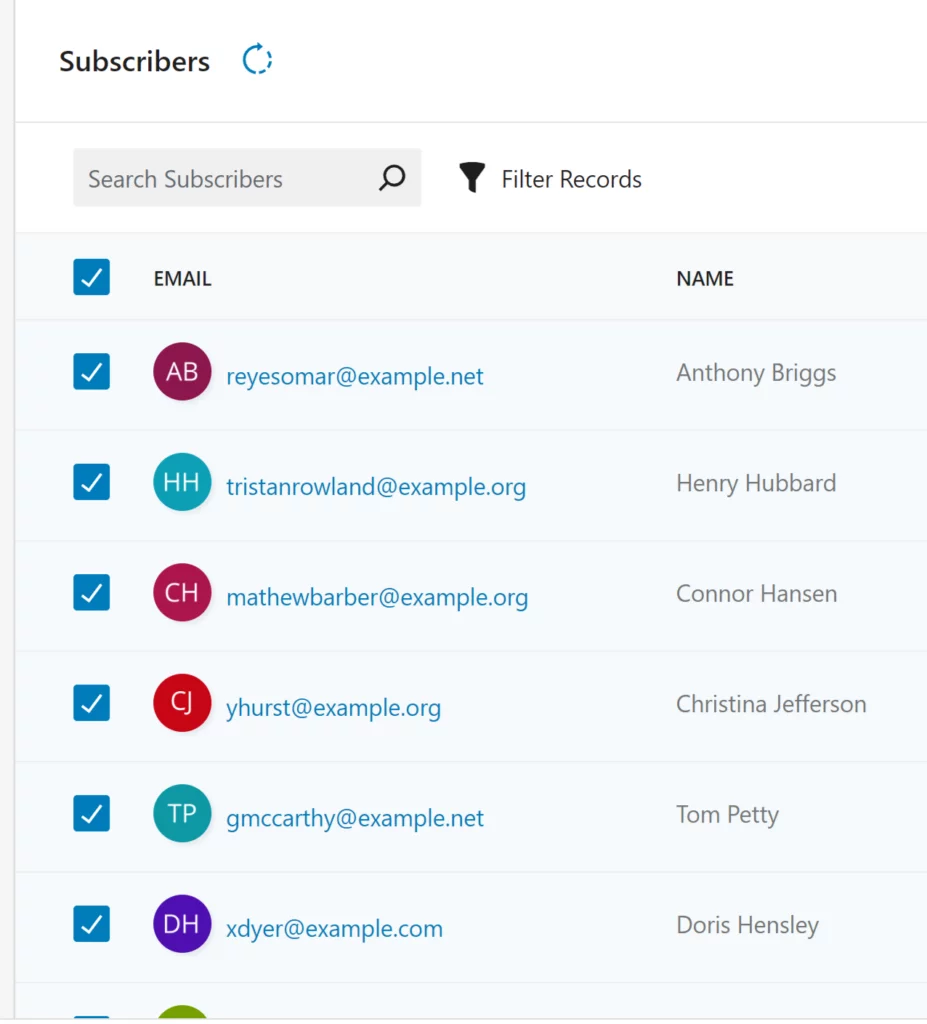
Once done, click on the Bulk Edit button to edit the subscribers.
NOTE: You can only bulk-edit the tags, status, source, language (if you’re using WPML or Polylang), or any custom fields that have dropdown options.
Leave a Reply