
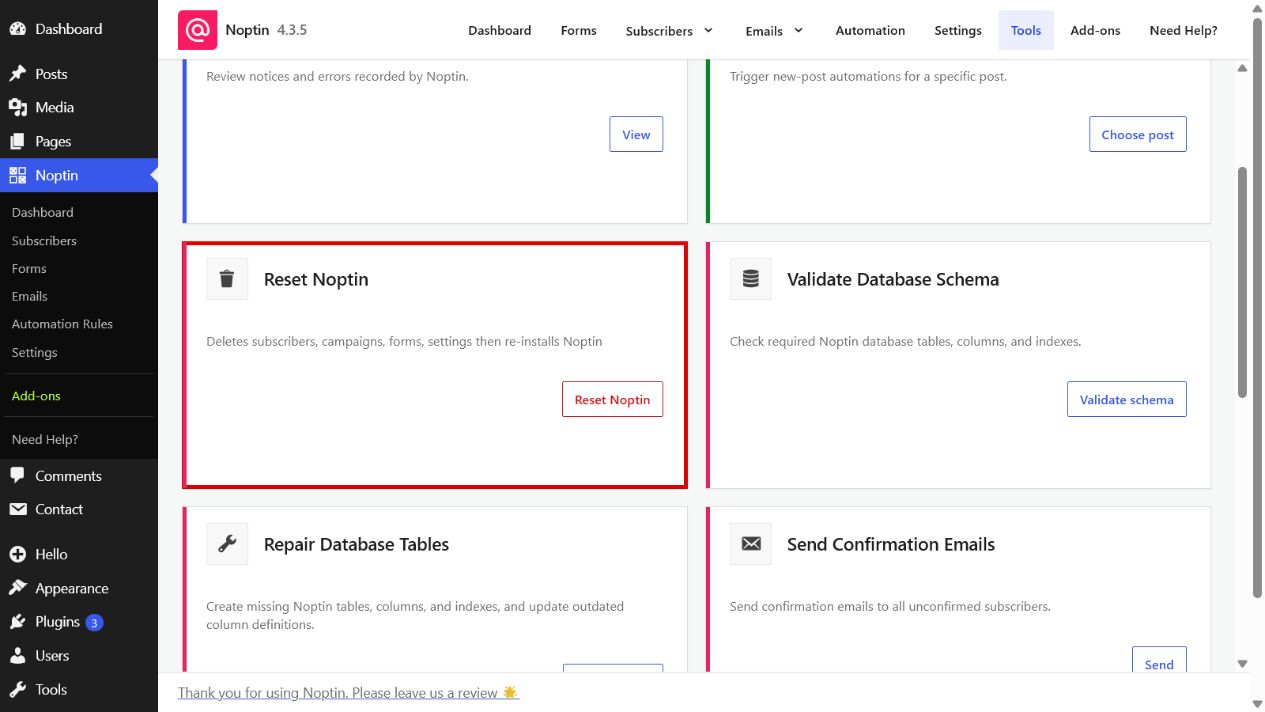
The Reset Noptin tool deletes Noptin subscribers, campaigns, forms, and settings, then reinstalls the plugin’s data structures. Use it only when you need to return Noptin to a fresh state.
Open the Reset Noptin tool
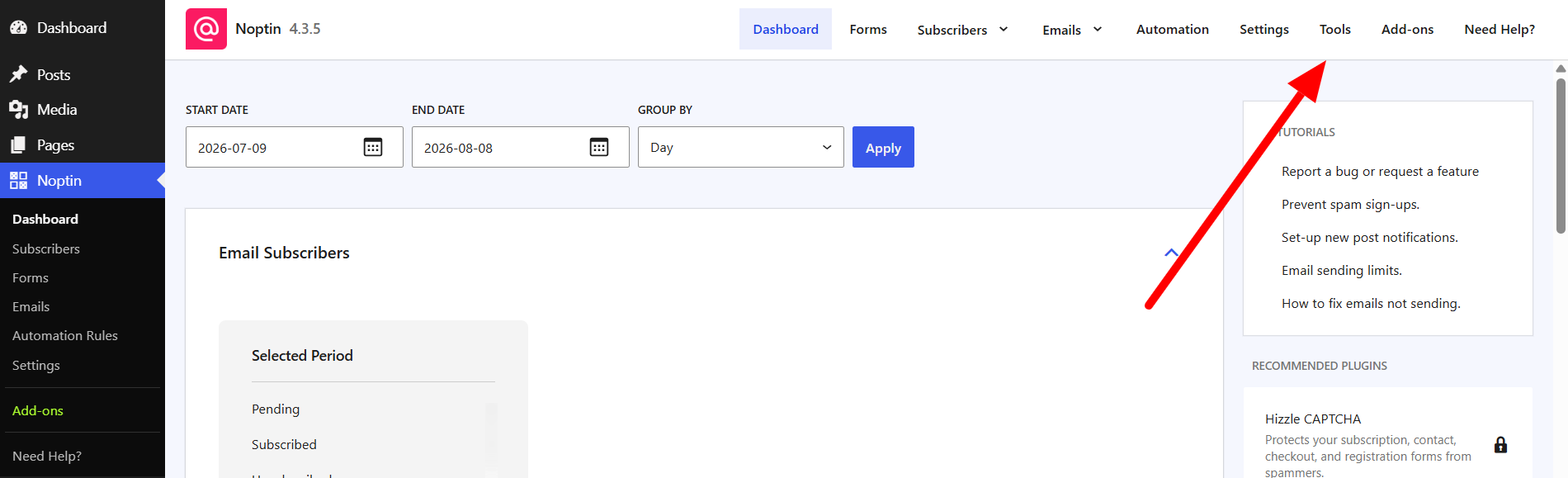
- In the left WordPress admin menu, click Noptin, then open Dashboard.
- Click Tools in Noptin’s top navigation.
- Find Reset Noptin and click Reset Noptin.
Before resetting Noptin
- Create a current database backup.
- Export any subscriber or configuration data you need to keep.
- Confirm that no campaigns or background tasks are currently running.
- Read the confirmation prompt and confirm the reset.
This action cannot be undone from the Tools page. Restore your database backup if you reset the site by mistake.
Leave a Reply