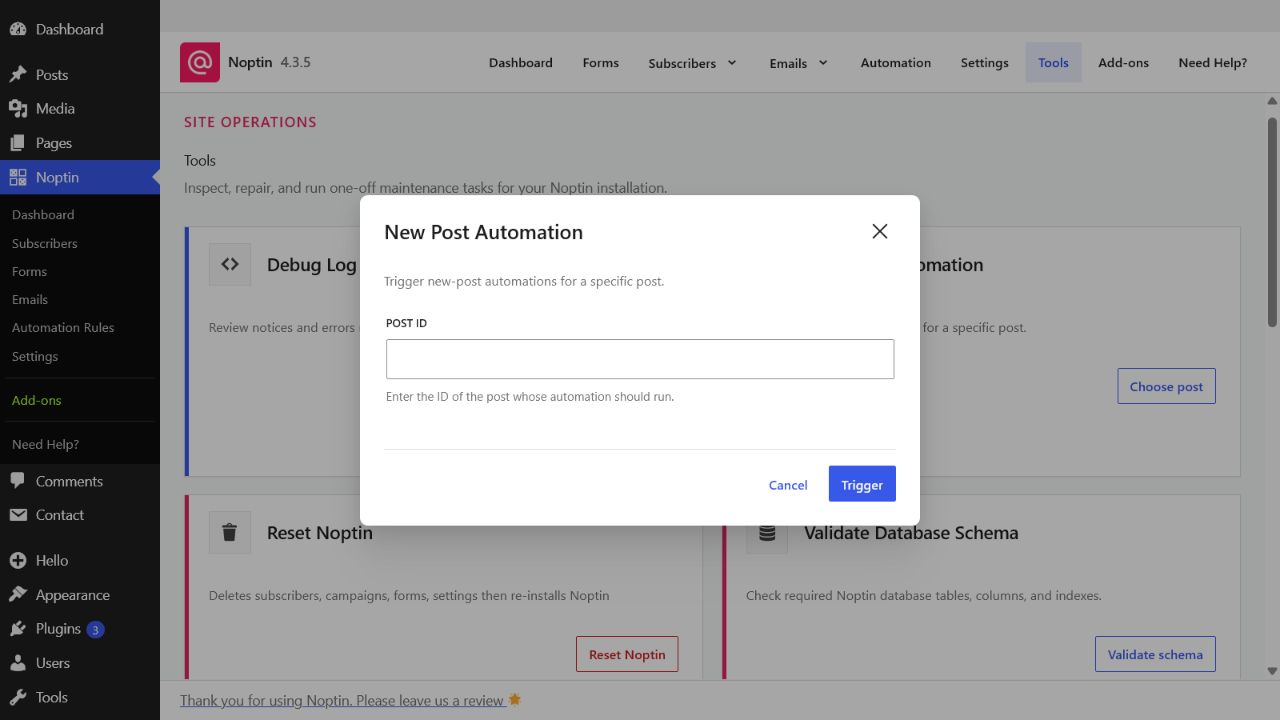
New Post Automation

The New Post Automation tool manually triggers new-post automation rules for a specific WordPress post. It is helpful for testing a rule or retrying a notification that did not run when the post was published.

Open the New Post Automation tool

  1. In the left WordPress admin menu, click Noptin, then open Dashboard.
  2. Click Tools in Noptin’s top navigation.
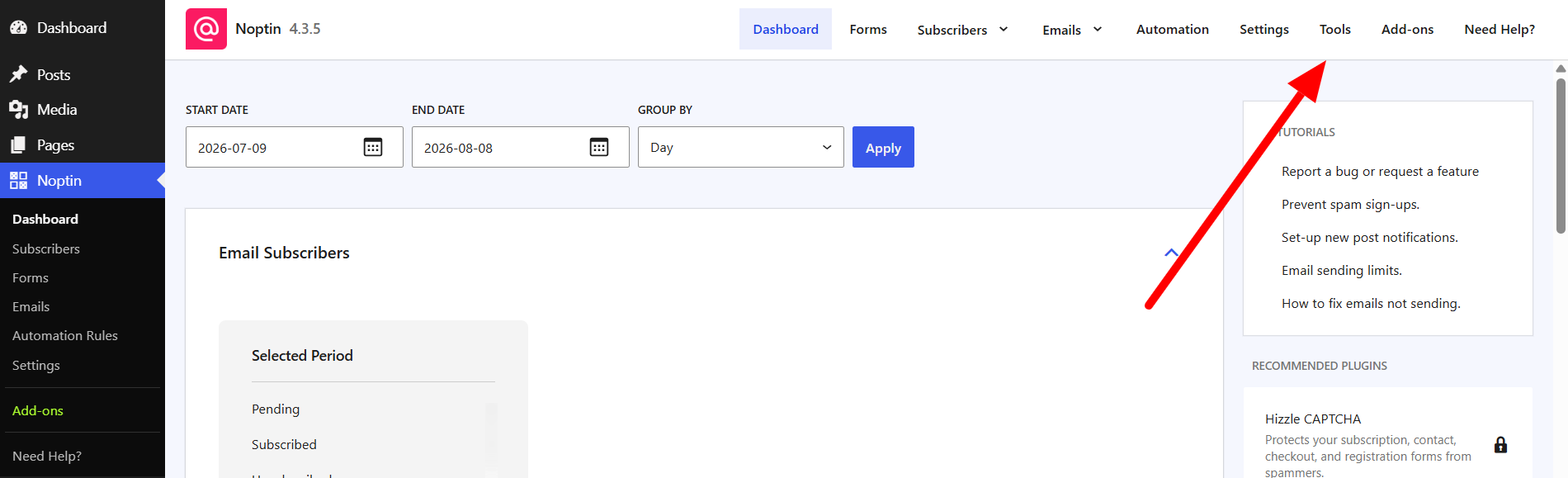
The Tools link in the top navigation of the Noptin dashboard
  1. Find New Post Automation and click Choose post.
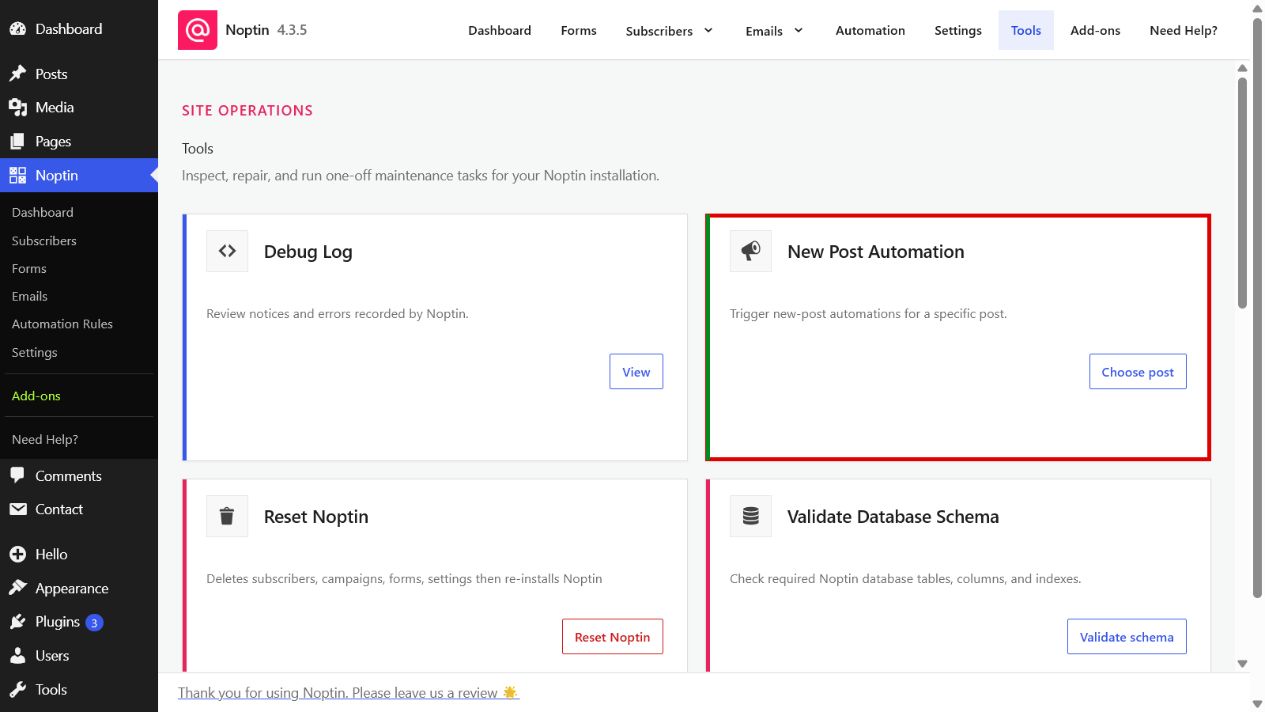
The New Post Automation card highlighted on the Noptin Tools page
The New Post Automation tool form in Noptin
  1. Enter the post ID, then click Trigger automation.

You can find a post ID in the browser address while editing the post. For example, in post.php?post=123&action=edit, the post ID is 123.

Important

Running this tool clears Noptin’s sent-notification marker for the selected post before triggering matching automations. If the notification was already delivered, subscribers may receive it again.

Related Guides

  • Debug Log

    Use Noptin’s Debug Log to review recent notices and errors when troubleshooting email, automation, or background-processing problems.

    Read More

  • Reset Noptin

    Learn what the Reset Noptin tool removes and how to prepare before returning Noptin to a fresh installation.

    Read More

  • Validate Database Schema

    Check whether all required Noptin database tables, columns, column definitions, and indexes are present.

    Read More

  • Repair Database Tables

    Repair missing or outdated Noptin database tables, columns, and indexes, then verify the resulting schema.

    Read More

  • Send Confirmation Emails

    Schedule double opt-in confirmation emails for every Noptin subscriber who is still awaiting confirmation.

    Read More

  • Scheduled Tasks

    View and troubleshoot Noptin’s queued, running, completed, failed, canceled, and manually scheduled background tasks.

    Read More

  • Purge Old Tasks

    Permanently remove old completed, failed, or canceled Noptin tasks using a chosen retention period.

    Read More