
WordPress email marketing, in one place

Create the email. Grow the audience. Automate what happens next.

Noptin gives you the tools to collect subscribers, design newsletters, and build automated customer journeys without leaving WordPress.

Create

Start with an idea, a template, or an email you already like.

Describe what you need, choose from more than 50 templates, or upload a screenshot and let AI recreate its layout with replaceable image placeholders.

AI email cloner

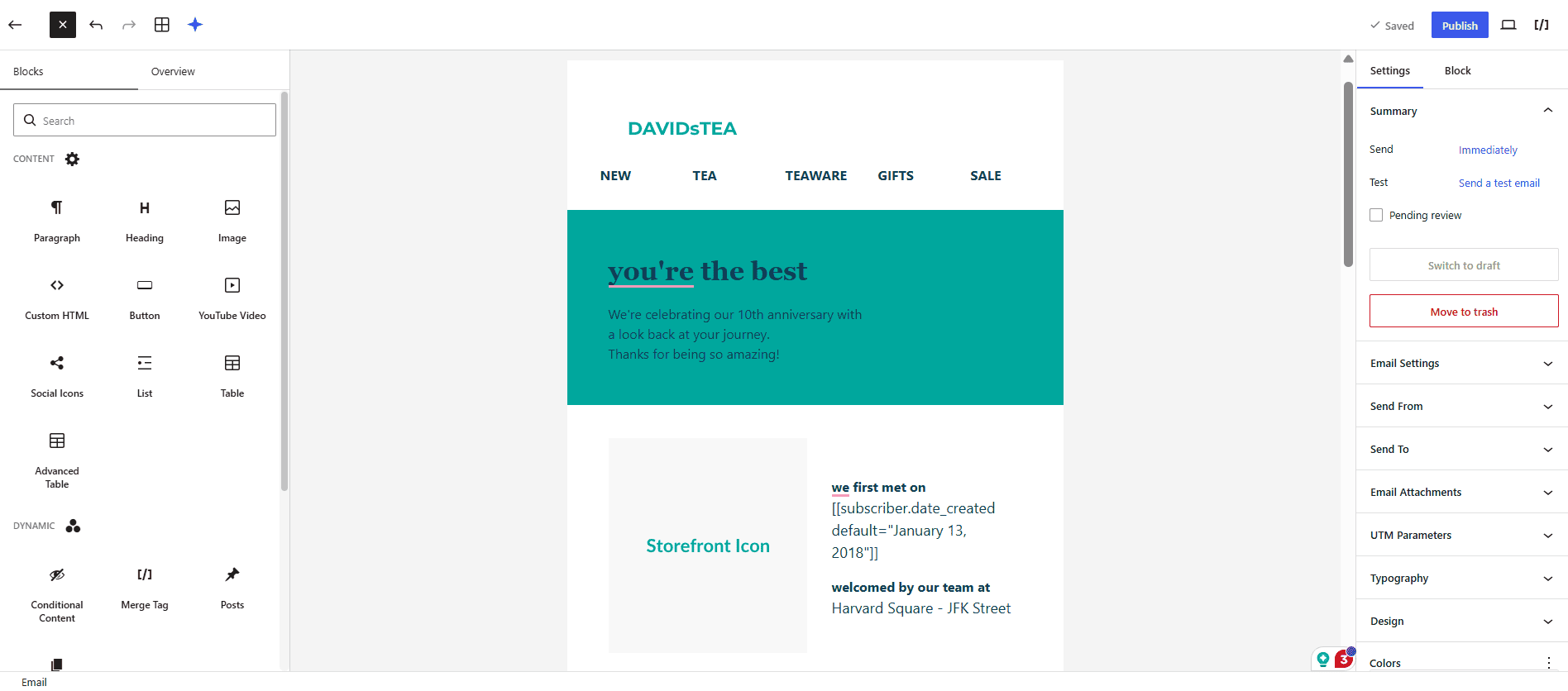
Turn a reference image into an editable email

Upload a screenshot, add any instructions that matter, and Noptin recreates the structure. The reference controls the layout unless your written instructions say otherwise.

Explore the email cloner
50+ templates

Choose a polished starting point

Customize the content, colors, images, sections, and calls to action instead of rebuilding common layouts from scratch.

Browse email templates

Grow and understand your audience

Collect the right subscribers—not just more addresses.

Create subscription forms and popups, organize people with lists and tags, and use subscriber details and activity to send more relevant campaigns.

  • Subscription forms and popupsUse inline forms, widgets, templates, custom fields, and display conditions.
  • Precise segmentationFilter by fields, tags, lists, language, engagement, and conditional logic.
  • Subscriber preferencesLet people choose the topics they want instead of unsubscribing from everything.

Automate

Send the next useful email when the moment is right.

Build visual workflows from triggers, actions, delays, branches, and loops for welcome sequences, courses, post notifications, customer follow-ups, coupons, and recurring campaigns.

When something happens

A subscriber joins a list, buys a product, submits a form, receives a tag, or reaches another supported trigger.

Decide what comes next

Wait, branch on conditions, update subscriber data, send an email, or continue through a longer sequence.

Keep it measurable

Track opens, clicks, unsubscribes, and campaign revenue from WordPress.

Connect

Put the data already in WordPress to work.

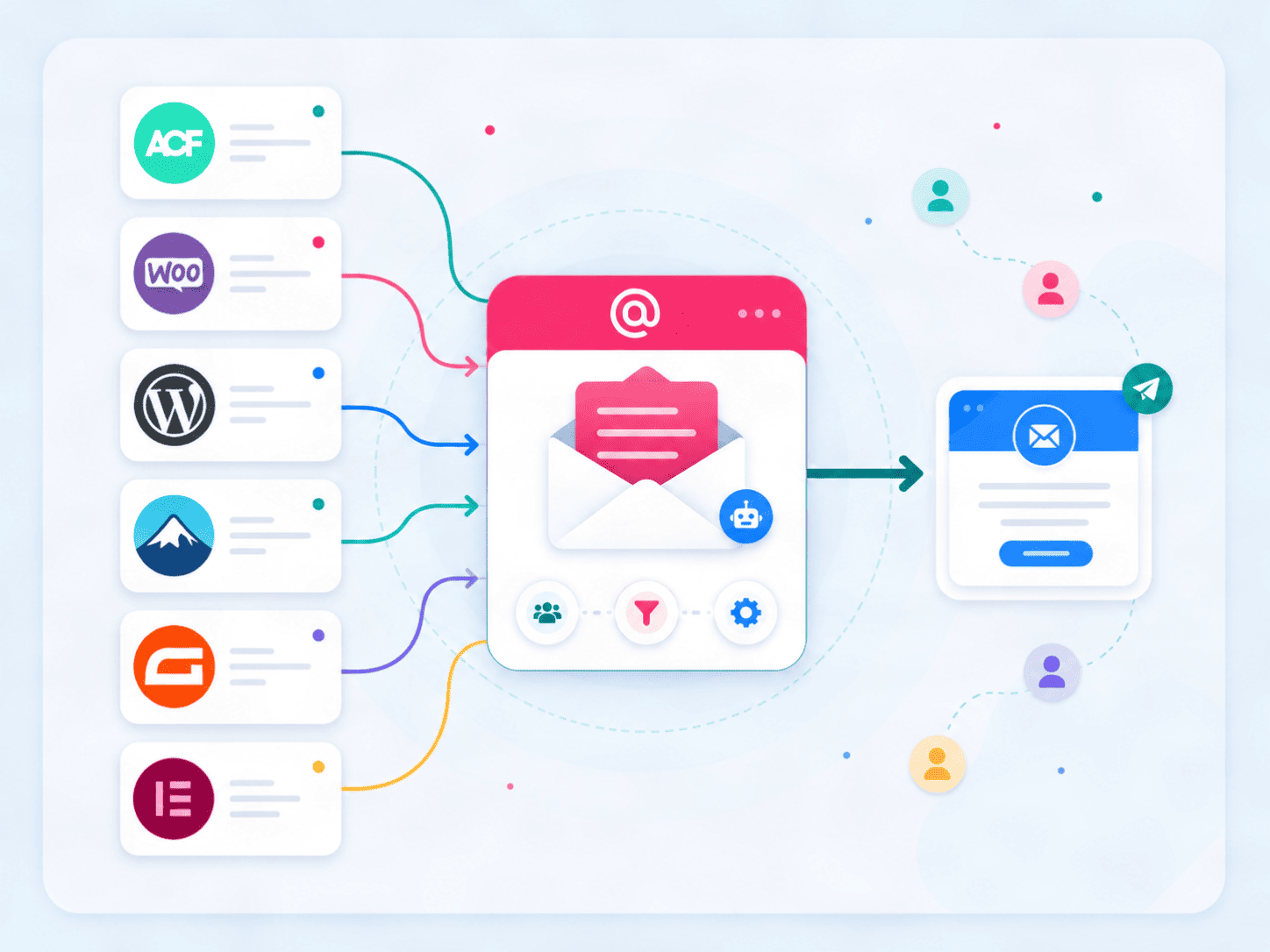
Use customer, order, form, membership, course, and activity data from supported plugins to decide who receives an email and when it should be sent.

Browse integrations See automation guides
WordPress plugins connected to Noptin

Why Noptin

Email marketing that understands your WordPress site.

Work where your content lives

Create campaigns, manage subscribers, and build automations from WordPress.

Use real site activity

Turn subscriber, content, order, form, and plugin events into useful email triggers and targeting rules.

Build one connected system

Bring newsletters, forms, segmentation, AI-assisted design, and automation into the same workflow.

Explore every capability

Find the feature you need.

Search the complete Noptin feature directory or filter it by the part of your email workflow you are working on.

18 features

AI Featured

Clone any email from a screenshot

Upload a reference image, let Noptin AI recreate the layout, then edit every block and replace pictured assets in WordPress.

  • AI
  • Email design
View details
AI Featured

Create complete emails with AI

Turn a plain-language brief into an email draft with subject line, preview text, content, layout, and calls to action.

  • AI
  • Email campaigns
Automation Featured

Build visual automation workflows

Connect triggers, actions, delays, paths, branches, and loops in a visual workflow built inside WordPress.

  • Workflows
  • Conditional logic
View details
Automation Featured

Send email sequences and courses

Schedule a series of free or paid emails at specific intervals for welcome series, courses, onboarding, and follow-ups.

  • Sequences
  • Courses
View details
Email Featured

Write and send WordPress newsletters

Create one-off campaigns in WordPress, choose recipients, preview the message, send tests, schedule delivery, and track results.

  • Newsletters
  • Campaigns
View details
Email Featured

Start with 50+ email templates

Choose a professionally designed starting point, then customize the layout, content, colors, images, and calls to action in the email editor.

  • Templates
  • Email design
View details
Email

Turn new content into email digests

Automatically send daily, weekly, monthly, or custom-schedule digests using posts and products published on your site.

  • Post notifications
  • Scheduling
View details
Email

Schedule recurring emails

Send campaigns on recurring daily, weekly, monthly, yearly, or custom schedules with control over days and send times.

  • Scheduling
  • Recurring
Growth Featured

Design subscription forms and popups

Build inline forms, widgets, popups, and block-based signup experiences with templates, custom fields, and display conditions.

  • Forms
  • Popups
View details
Audience Featured

Target subscribers with precise segments

Filter recipients by custom fields, subscriber data, tags, lists, language, activity, and conditional logic.

  • Segmentation
  • Personalization
View details
Audience

Organize subscribers with lists and tags

Group subscribers by interest or behavior, then trigger automations when someone is tagged, untagged, added, or removed.

  • Lists
  • Tags
View details
Audience

Give subscribers a preference center

Let people update their profile, choose the lists they want, and unsubscribe from specific topics instead of everything.

  • Preferences
  • Compliance
View details
Email

Send multilingual newsletters

Use subscriber language data and multilingual WordPress workflows to send the appropriate campaign to each audience.

  • Multilingual
  • Personalization
View details
Analytics Featured

Track campaign revenue

Measure opens, clicks, unsubscribes, and e-commerce revenue so campaign performance is visible from WordPress.

  • Revenue
  • Reporting
View details
Commerce

Send unique coupon codes

Generate or assign individual WooCommerce, Easy Digital Downloads, and GetPaid coupons inside emails and automations.

  • Coupons
  • WooCommerce
View details
Automation

Trigger and send webhooks

Start Noptin workflows from incoming webhook requests or send structured data to external tools as an automation action.

  • Webhooks
  • Developer tools
View details
Audience

Sync subscribers across sites

Keep subscriber records aligned between sites and embed Noptin subscription forms on external websites.

  • Sync
  • Multi-site
View details
Integrations Featured

Connect the tools already on your site

Use customer, order, form, membership, course, and activity data from popular WordPress plugins in campaigns and automations.

  • WordPress plugins
  • Connections
View details

Common questions

What can you do with Noptin?

Short answers to the questions people ask when comparing WordPress email marketing tools.

What is Noptin?

Noptin is a WordPress email marketing and automation plugin. It helps you collect subscribers, create newsletters, segment audiences, and automate emails using activity from your WordPress site.

Can Noptin create emails with AI?

Yes. Noptin can generate complete emails from written instructions and can recreate an editable email layout from a reference screenshot. Images in the reference become replaceable placeholders.

Does Noptin include email templates?

Yes. Noptin includes more than 50 email templates that you can customize with your own content, colors, images, and calls to action.

Can Noptin send automated email sequences?

Yes. You can build visual automation workflows and scheduled email sequences for welcome campaigns, courses, onboarding, customer follow-ups, and other subscriber journeys.

Does Noptin integrate with other WordPress plugins?

Yes. Noptin can use customer, order, form, membership, course, and activity data from supported WordPress plugins in campaigns and automations.

Build your email system in WordPress

From first subscriber to automated follow-up.

View Noptin plans