

Since June 2026, we’ve added new ways to design newsletters, automate follow-ups, and manage subscribers in WordPress. Here are 10 things you can now do with Noptin.
- Turn a screenshot into an editable email
Give Noptin AI a screenshot of an email you like. It creates a similar layout you can edit in the visual editor. Update the text, colors, and buttons, then replace the placeholder images before sending. This uses AI credits.
- Repeat automation steps with loops
Add a Loop step in the visual automation builder to run the same actions for each item in a collection, each row in a CSV, each item in a JSON or XML file, or each number in a range.
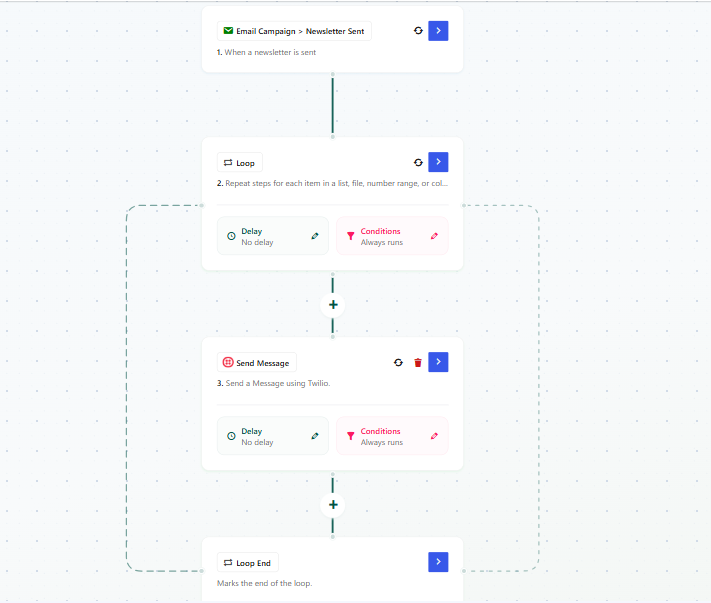
- See what happened in an automation run
Open a run from your history to see which steps ran, what data each step received, and what its logs say. If the automation used a loop, you can inspect each recorded pass separately. Older runs may show only basic task details.

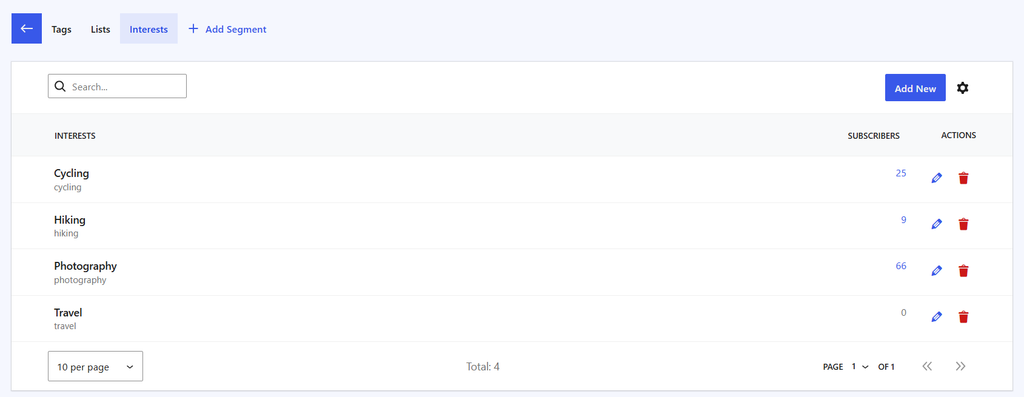
- Group subscribers by interest, region, or customer type
Create a custom segment with one or more choices per subscriber. Assign choices yourself or let subscribers pick them on a signup form. You can then filter your subscriber list or choose who gets an email based on those choices.
- Let readers unsubscribe from just one newsletter
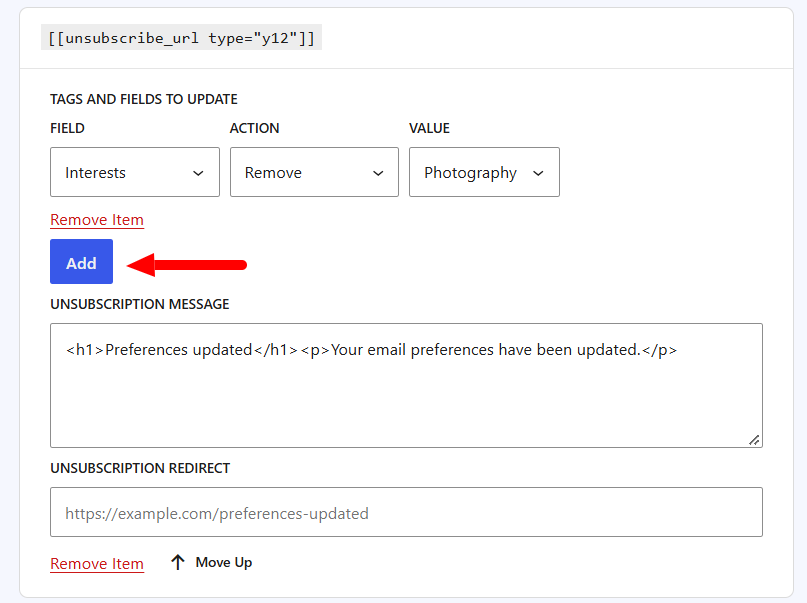
With custom unsubscribe links, readers can unsubscribe from custom segments or newsletter types. Set the link to update a tag, list, or segment choice, then use that preference to choose who receives each newsletter. Keep the standard unsubscribe link for readers who want to stop all emails.
- Handle bounces and spam complaints with more email services
Noptin now supports bounce and complaint notifications from more services, including Brevo, SMTP2GO, Postal, and ToSend. Once you connect those notifications, Noptin updates the affected subscribers so future emails sent to active subscribers skip them. The notifications available depend on your email service. - Email students when they enroll or finish a course
Noptin now connects to Tutor LMS, LifterLMS, Sensei LMS, LearnPress, MasterStudy, and Masteriyo. With LifterLMS, for example, you can welcome students when they enroll, congratulate them when they finish, or send a newsletter to students in a specific course. Available options depend on your LMS. - Send WhatsApp messages from WordPress automations
Use your Meta Cloud API credentials to connect WhatsApp. Send Meta-approved templates to people who have opted in and personalize them with details from your automation rules. For example, you can use this to send new post notifications via WhatsApp. - Send Noptin emails through Emailit or Postal
Connect Emailit with an API key, or connect your Postal server with its domain and API key. With Postal, your newsletters and automated emails can go through your own mail server while other WordPress emails keep using your existing setup. - Give teammates access to specific Noptin tools
Use a WordPress role editor to choose which Noptin tools each role can manage. For example, give someone access to newsletters only. You can also set separate permissions for automated emails, automation rules, subscribers, and signup forms.
Note:
Some of these features require a premium license.
Leave a Reply