
Simple cart reminder with a checkout link
Send a short reminder that shows the saved items and links straight back to checkout. This works well for shoppers who got distracted and just need an easy way to finish the order.
Remind shoppers about the products they left in their cart and bring them back to checkout.
If you've not yet installed Noptin, you can install it as shown in the video below or follow our installation guide.
In your WordPress admin dashboard, go to Noptin → Email Campaigns → Automated Emails and create a new automated email. You will see the option to generate the email with AI or create it manually.
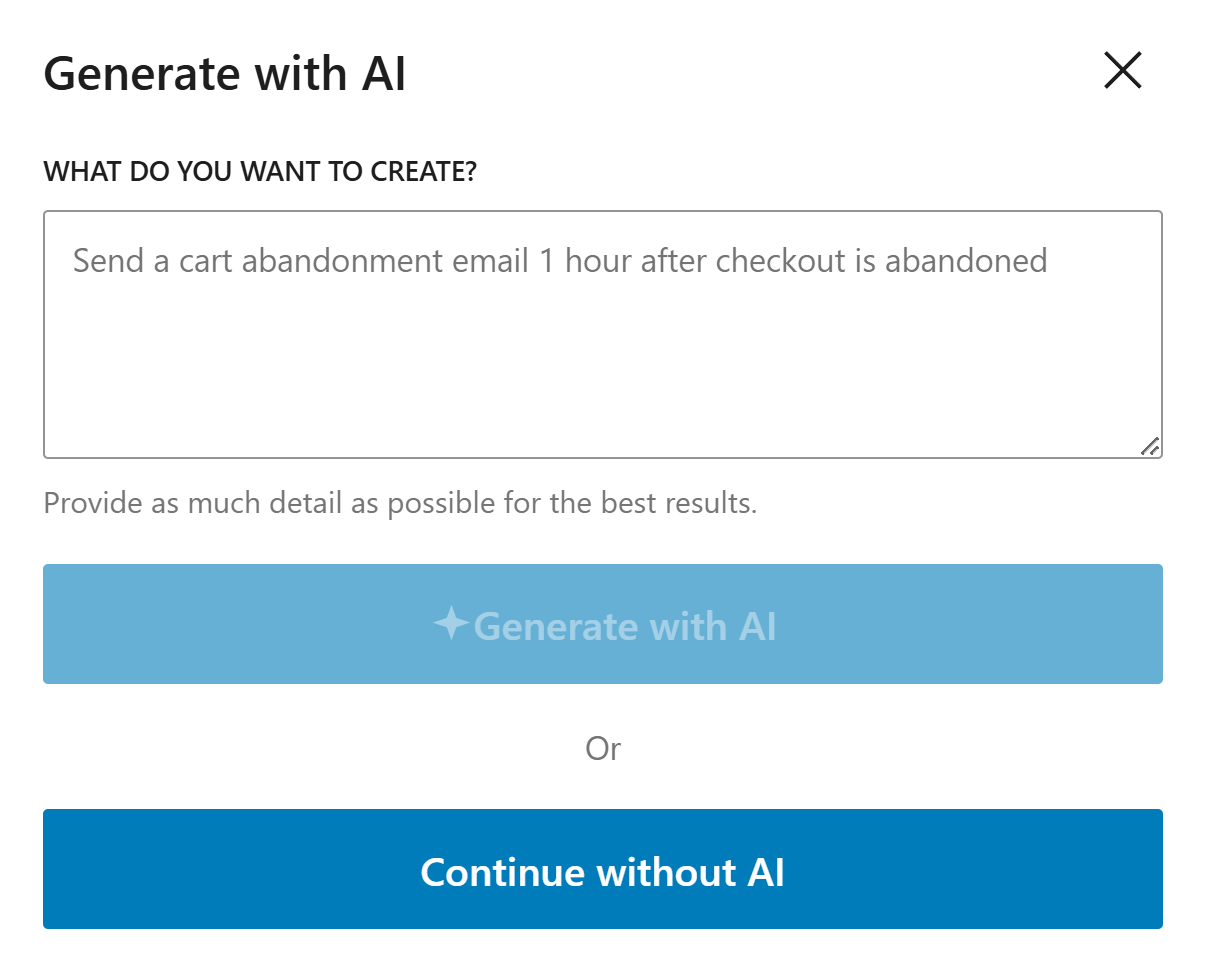
If you decide to generate with AI, paste the sample prompt below, review the output, and adjust the copy to match your brand.
Write a friendly abandoned cart email for WooCommerce. Mention the items left behind, encourage the shopper to come back, and include a clear link to complete checkout.
Noptin will generate the email content, subject line, and layout based on the prompt, but you can edit all of it before saving the email and activating the workflow.
If you decide to create the email manually, click on the "Continue without AI" button then follow these steps.
Within the Noptin automation modal, locate the woocommerce category and toggle the WooCommerce Abandoned Cart event.
Next, choose Customer as the recipient.
Finally, select the template you want to use for the email. You can customize the design and copy later, so just pick the one that's closest to what you want.
Noptin will create the automated email then open the email editor so you can customize the content, design, and subject line before activating it.
Send the first email soon after the cart is abandoned while the shopper still remembers the product.
Use a direct link back to the cart or checkout page so they can continue without starting over.
Try one reminder before offering a discount, so you recover sales without cutting into your profit too early.
These examples make the workflow more concrete and help the page feel genuinely useful.
Send a short reminder that shows the saved items and links straight back to checkout. This works well for shoppers who got distracted and just need an easy way to finish the order.
If the product takes more thought, use the next email to answer common concerns like delivery, returns, or fit. That extra reassurance can recover carts without relying on discounts.
If the first reminder does not convert, send a second email with a time-limited offer. This can help close hesitant buyers while keeping discounts limited to people who need the extra push.
A good starting point is within one to three hours after the cart is abandoned, followed by one or two reminders over the next day or two.
No. Many shoppers return with a simple reminder, so test that first before adding a coupon.
Link directly to the saved cart or checkout page so the shopper can continue with as few clicks as possible.
Set up WooCommerce cart recovery emails in Noptin and bring shoppers back before the sale is lost.