
Top customer loyalty thank-you
Thank customers who cross a spending threshold and offer early access or premium perks.
Automatically thank your top spenders with personalized messages and exclusive offers.
Watch the full setup process and see how to generate the email.
If you've not yet installed Noptin, you can install it as shown in the video below or follow our installation guide.
In your WordPress admin dashboard, go to Noptin → Email Campaigns → Automated Emails and create a new automated email. You will see the option to generate the email with AI or create it manually.
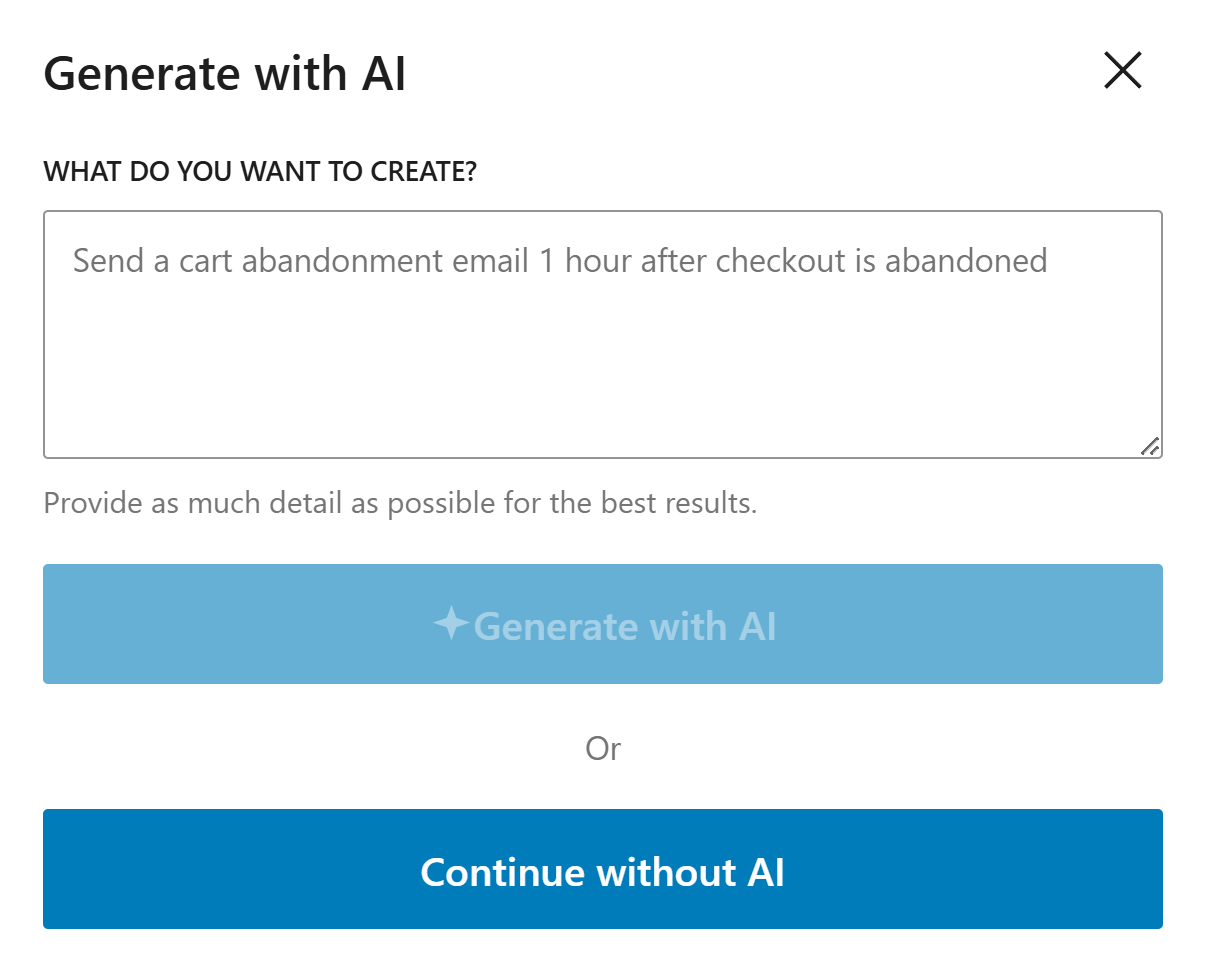
If you decide to generate with AI, paste the sample prompt below, review the output, and adjust the copy to match your brand.
Write a warm VIP appreciation email for a top WooCommerce customer. Thank them for loyalty, acknowledge their value, and include a tasteful VIP offer.
Noptin will generate the email content, subject line, and layout based on the prompt, but you can edit all of it before saving the email and activating the workflow.
If you decide to create the email manually, click on the "Continue without AI" button then follow these steps.
Within the Noptin automation modal, locate the woocommerce category and toggle the WooCommerce Customer > Reaches Lifetime Value event.
Next, choose Customer as the recipient.
Finally, select the template you want to use for the email. You can customize the design and copy later, so just pick the one that's closest to what you want.
Noptin will create the automated email then open the email editor so you can customize the content, design, and subject line before activating it.
Keep appreciation personal and specific.
Offer meaningful perks, not generic discounts.
Set clear eligibility and redemption details.
These examples make the workflow more concrete and help the page feel genuinely useful.
Thank customers who cross a spending threshold and offer early access or premium perks.
Invite high-value customers to preview a new launch before the general audience.
Celebrate loyalty milestones with a personalized note and exclusive incentive.
Customers who meet clear loyalty criteria such as lifetime spend, purchase count, or long-term retention.
Exclusive access, concierge support, premium bundles, or tailored perks usually perform better than generic coupons.
Use milestone-based triggers rather than frequent blasts so each message feels earned and meaningful.
Build stronger loyalty by automatically recognizing and rewarding your highest-value customers.