
SaaS renewal reminder
Before a subscription renews, send the customer the renewal date, the plan name, and a link to update payment details. This helps prevent failed payments.
Remind customers before their subscription renews.
If you've not yet installed Noptin, you can install it as shown in the video below or follow our installation guide.
In your WordPress admin dashboard, go to Noptin → Email Campaigns → Automated Emails and create a new automated email. You will see the option to generate the email with AI or create it manually.
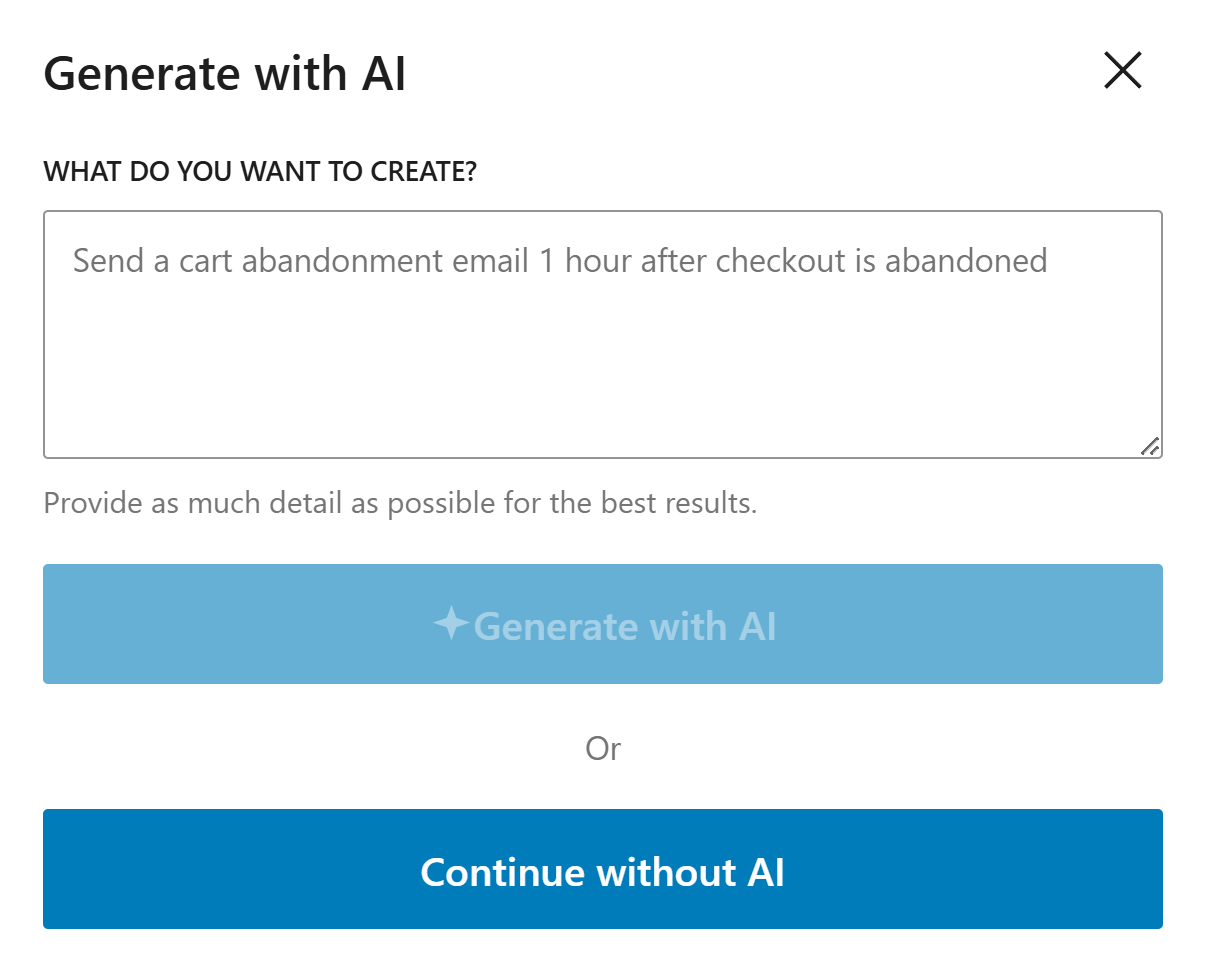
If you decide to generate with AI, paste the sample prompt below, review the output, and adjust the copy to match your brand.
Write a simple renewal reminder email for a customer. Mention the renewal date, the plan, and how to update billing details if needed.
Noptin will generate the email content, subject line, and layout based on the prompt, but you can edit all of it before saving the email and activating the workflow.
If you decide to create the email manually, click on the "Continue without AI" button then follow these steps.
Within the Noptin automation modal, locate the subscriptions category and toggle the Subscription > Before Renewal event.
Next, choose Customer as the recipient.
Finally, select the template you want to use for the email. You can customize the design and copy later, so just pick the one that's closest to what you want.
Noptin will create the automated email then open the email editor so you can customize the content, design, and subject line before activating it.
Send the reminder early enough for the customer to update their card or billing details before renewal.
Include the renewal date, plan name, and a clear link to manage billing in one easy-to-scan section.
Be transparent. If customers need to cancel or change their plan, make that easy to find.
These examples make the workflow more concrete and help the page feel genuinely useful.
Before a subscription renews, send the customer the renewal date, the plan name, and a link to update payment details. This helps prevent failed payments.
If the subscription gives access to premium content or a community, remind customers what stays active after renewal. That can help improve retention.
For services billed on a schedule, send a reminder that explains when the next charge happens and what to do if billing details have changed.
A common setup is one reminder seven days before renewal and another one day before, but the best timing depends on your billing cycle.
Include the renewal date, the plan name, and a clear link to update payment details or manage the subscription.
Yes. Clear account controls build trust and can reduce charge disputes.
Use Noptin to send subscription renewal reminders before billing, so customers can update payment details and stay on plan.