
Online course welcome email
If your membership includes a course, send the login link, where to start, and the first action to take in the next 24 hours. This helps members reach value faster.
Welcome new members right after purchase and show them how to get started.
If you've not yet installed Noptin, you can install it as shown in the video below or follow our installation guide.
In your WordPress admin dashboard, go to Noptin → Email Campaigns → Automated Emails and create a new automated email. You will see the option to generate the email with AI or create it manually.
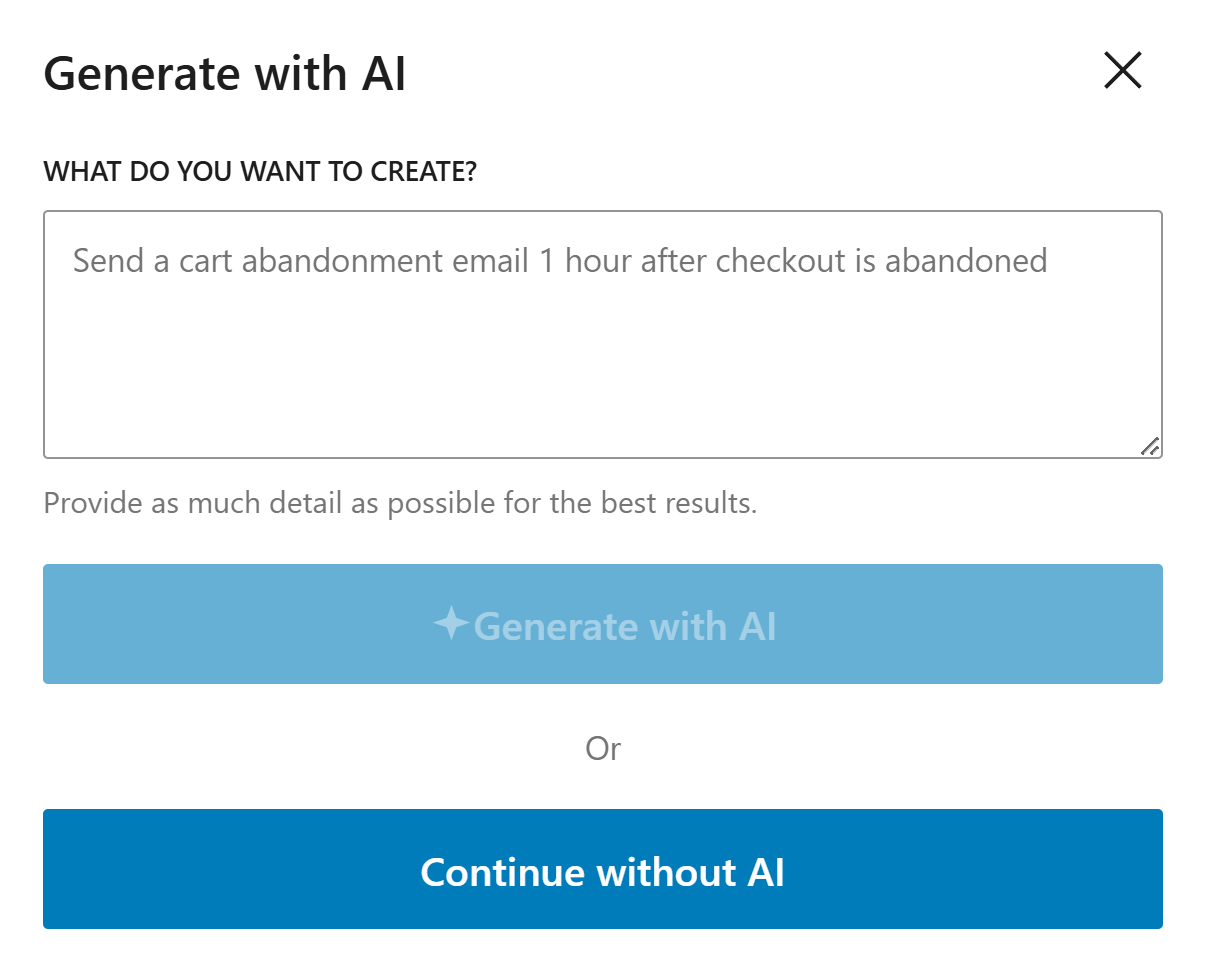
If you decide to generate with AI, paste the sample prompt below, review the output, and adjust the copy to match your brand.
Write a short welcome email for a new MemberPress customer. Include the login link, the best first step, and a quick reminder of the main benefit they just unlocked.
Noptin will generate the email content, subject line, and layout based on the prompt, but you can edit all of it before saving the email and activating the workflow.
If you decide to create the email manually, click on the "Continue without AI" button then follow these steps.
Within the Noptin automation modal, locate the membership category and toggle the MemberPress Membership > Purchased event.
Next, choose Customer as the recipient.
Finally, select the template you want to use for the email. You can customize the design and copy later, so just pick the one that's closest to what you want.
Noptin will create the automated email then open the email editor so you can customize the content, design, and subject line before activating it.
Tell the new member exactly what to do first, such as logging in or opening the first lesson.
Add direct links to the member area, account page, or key resources so they do not have to search around.
Highlight only the main benefits or next steps instead of trying to explain everything in one email.
These examples make the workflow more concrete and help the page feel genuinely useful.
If your membership includes a course, send the login link, where to start, and the first action to take in the next 24 hours. This helps members reach value faster.
For community memberships, share access instructions, where to introduce themselves, and the first place to join the conversation. A strong start increases engagement.
If members unlock articles, downloads, or tools, point them to the best resource to start with. This keeps the email focused and avoids overwhelming them.
The first step. Give members a direct login link and tell them exactly what to do next.
No. It is better to highlight the main value and point them to the member area for the rest.
Make it easy to take action right away. The faster members get started, the more likely they are to stay engaged.
Use Noptin to send a welcome email the moment someone joins through MemberPress, so they can log in and get started without friction.