
Contact form confirmation with reply timing
After someone sends a contact request, email them to confirm it was received and tell them when to expect a response. This removes uncertainty and feels more professional.
Send a confirmation email after someone submits a Gravity Forms form.
If you've not yet installed Noptin, you can install it as shown in the video below or follow our installation guide.
In your WordPress admin dashboard, go to Noptin → Email Campaigns → Automated Emails and create a new automated email. You will see the option to generate the email with AI or create it manually.
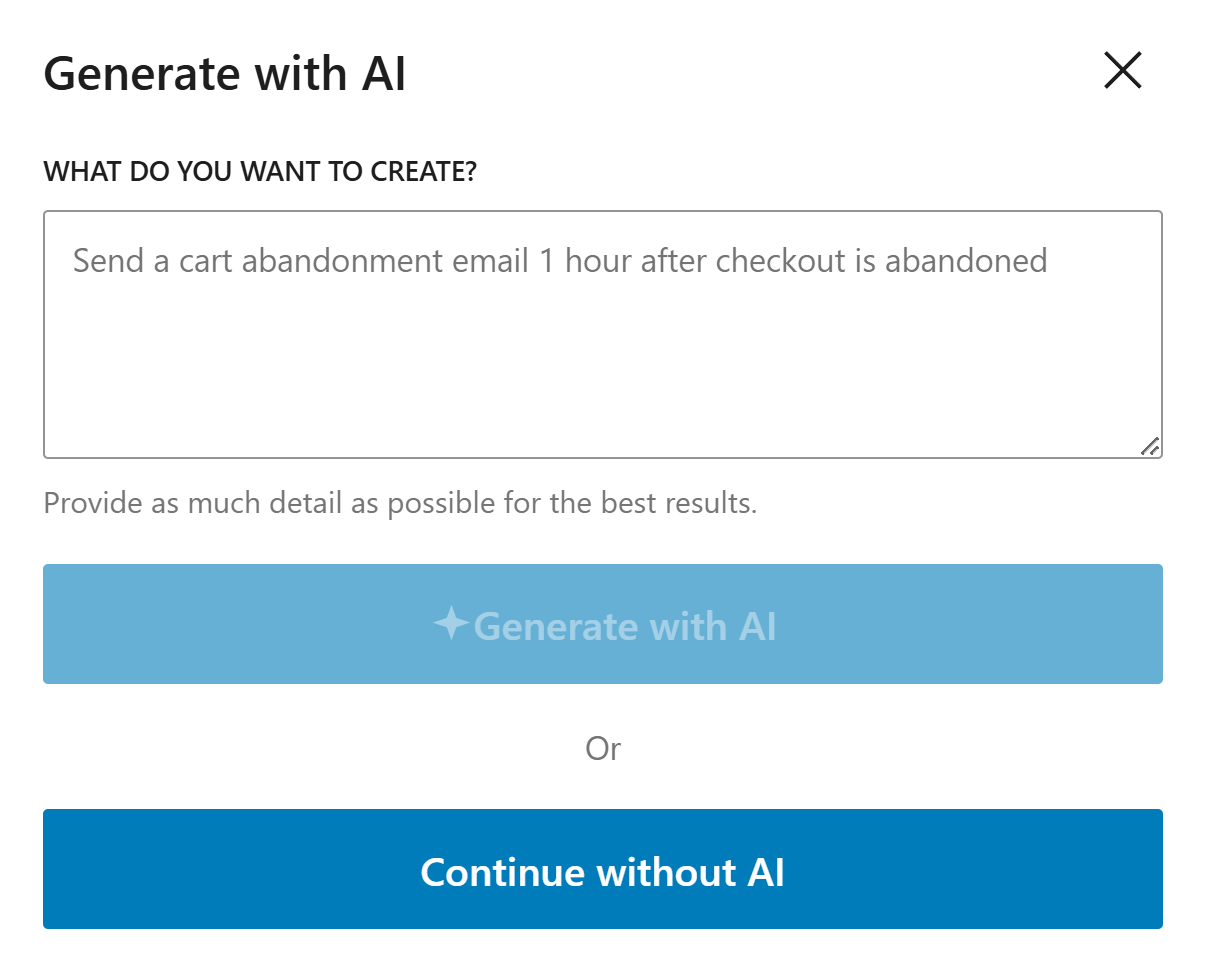
If you decide to generate with AI, paste the sample prompt below, review the output, and adjust the copy to match your brand.
Write a friendly confirmation email for someone who has just submitted a Gravity Forms form. Confirm that the form was received and explain the next step in simple language.
Noptin will generate the email content, subject line, and layout based on the prompt, but you can edit all of it before saving the email and activating the workflow.
If you decide to create the email manually, click on the "Continue without AI" button then follow these steps.
Within the Noptin automation modal, locate the forms category and toggle the Gravity Forms Form > Submitted event.
Next, choose User as the recipient.
Finally, select the template you want to use for the email. You can customize the design and copy later, so just pick the one that's closest to what you want.
Noptin will create the automated email then open the email editor so you can customize the content, design, and subject line before activating it.
Send the email right away so the user knows the form worked and their message was received.
Repeat the key details from the submission in a short summary so they can confirm everything looks right.
Use plain, reassuring language and explain what happens next, such as when they should expect a reply.
These examples make the workflow more concrete and help the page feel genuinely useful.
After someone sends a contact request, email them to confirm it was received and tell them when to expect a response. This removes uncertainty and feels more professional.
If the form is for quotes, send a short recap of the request and explain the next step, such as review or proposal delivery. That helps people feel looked after.
For application forms, confirm that the application was submitted successfully and give a realistic review timeline. It is a simple way to build trust from the start.
It should confirm the form was received, summarize the important details, and tell the user what happens next.
Yes, but keep it short. Include only the main details so the email stays easy to read.
Use simple language, address the user by name when possible, and write like a real person explaining the next step.
Use Noptin to send quick, helpful Gravity Forms confirmation emails that reassure users and reduce repeat submissions.