
Webinar launch email
Announce the webinar topic, who it is for, when it happens, and include the registration link near the top. This works well when readers can understand the value in a few seconds.
Promote new events by email as soon as they are published.
If you've not yet installed Noptin, you can install it as shown in the video below or follow our installation guide.
In your WordPress admin dashboard, go to Noptin → Email Campaigns → Automated Emails and create a new automated email. You will see the option to generate the email with AI or create it manually.
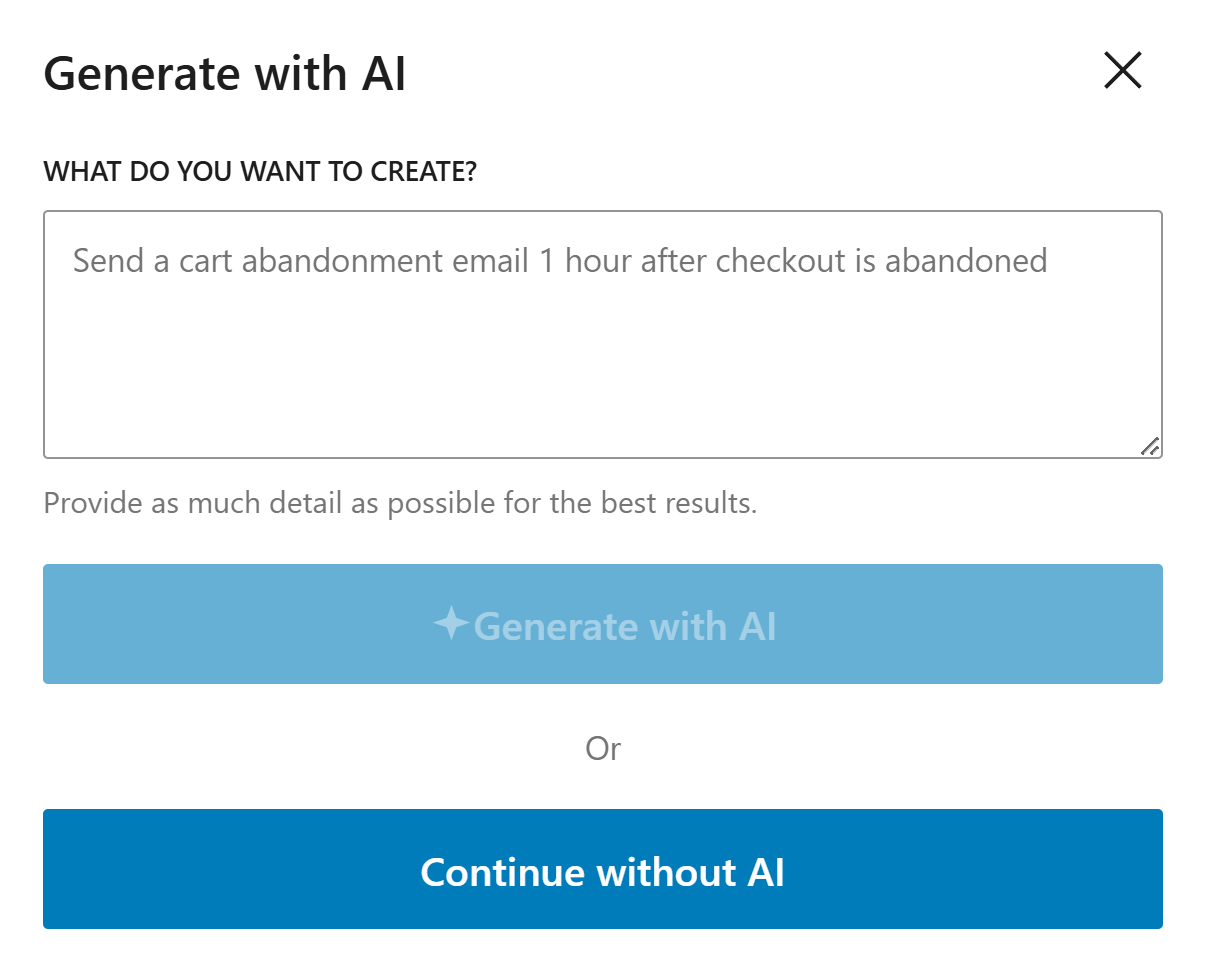
If you decide to generate with AI, paste the sample prompt below, review the output, and adjust the copy to match your brand.
Write an event announcement email for subscribers. Mention what the event is about, when it happens, where it takes place, and include a clear registration button.
Noptin will generate the email content, subject line, and layout based on the prompt, but you can edit all of it before saving the email and activating the workflow.
If you decide to create the email manually, click on the "Continue without AI" button then follow these steps.
Within the Noptin automation modal, locate the events category and toggle the Event > Published event.
Next, choose Subscribers as the recipient.
Finally, select the template you want to use for the email. You can customize the design and copy later, so just pick the one that's closest to what you want.
Noptin will create the automated email then open the email editor so you can customize the content, design, and subject line before activating it.
Place the date, time, location, and registration link near the top so readers can decide quickly.
Focus on why someone should attend, not just on the event details.
Send at least one reminder closer to the event date so people who missed the first email get another chance to register.
These examples make the workflow more concrete and help the page feel genuinely useful.
Announce the webinar topic, who it is for, when it happens, and include the registration link near the top. This works well when readers can understand the value in a few seconds.
For in-person events, include the venue, start time, and any practical details people need before attending. Clear logistics help people commit faster.
If the event is for a specific group, explain who it is for and what they will get from attending. That helps the right people sign up.
Include the event name, date, time, location or platform, and a direct link to register.
Lead with the main benefit of attending, keep the email easy to scan, and make the registration link obvious.
Yes. A follow-up reminder usually helps capture people who missed or forgot the first message.
Use Noptin to announce new events by email and drive more registrations with clear details and a strong call to action.